How to add HorseRacing.net to your Google News feed as a preferred source
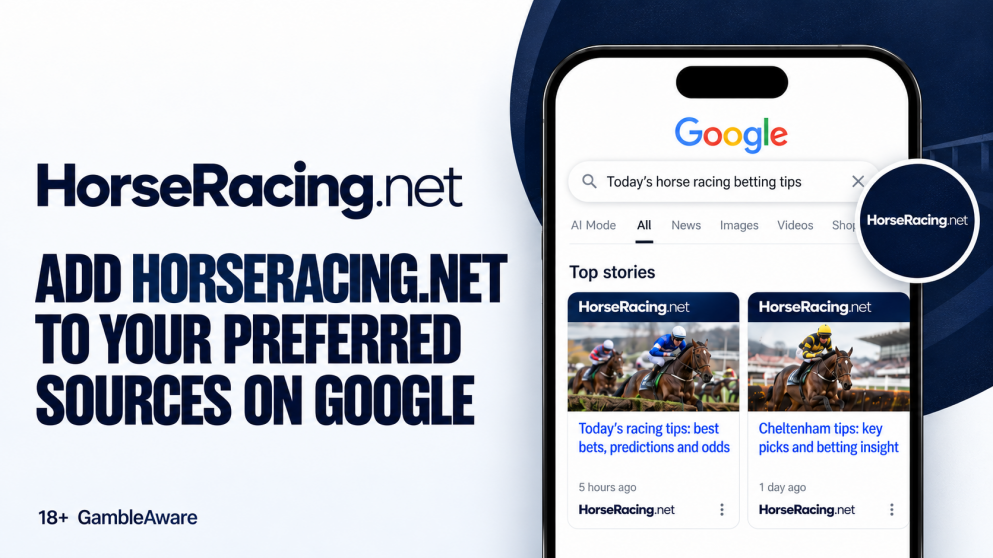
You can make Horseracing.net a preferred source on Google in no time at all. Hit the button below, tick the box next to Horseracing.net and Google will push our stories to you when you make relevant searches to our content!
Google's Top Stories carousel, the row of news articles above the normal search results, normally decides for you which sites get a look. Preferred sources hand some of that choice back to you. Once we are on your list, our racing tips, race previews and betting news have a better chance of appearing there when you search for a horse, a trainer or a meeting.
That matters most on big days. When you are searching for Saturday's feature race or the Cheltenham Festival, you want the analysis from people who follow the sport closely near the top, not buried under general news sites.
Nobody else gets hidden. Other publishers still appear. You are simply telling Google whose view you would rather read first. You can add as many sources as you like and remove them whenever you want.
How to add HorseRacing.net from a Google search
If the button does not work on your phone or browser, you can do the same thing from any racing search.
- Search Google for a racing story or topic, such as a race, a horse or a meeting.
- Find the Top stories section and click Customise, next to the heading.
- Type "HorseRacing.net" into the Search by name or website box.
- Tick the box next to HorseRacing.net (horseracing.net).
- Click Reload results.
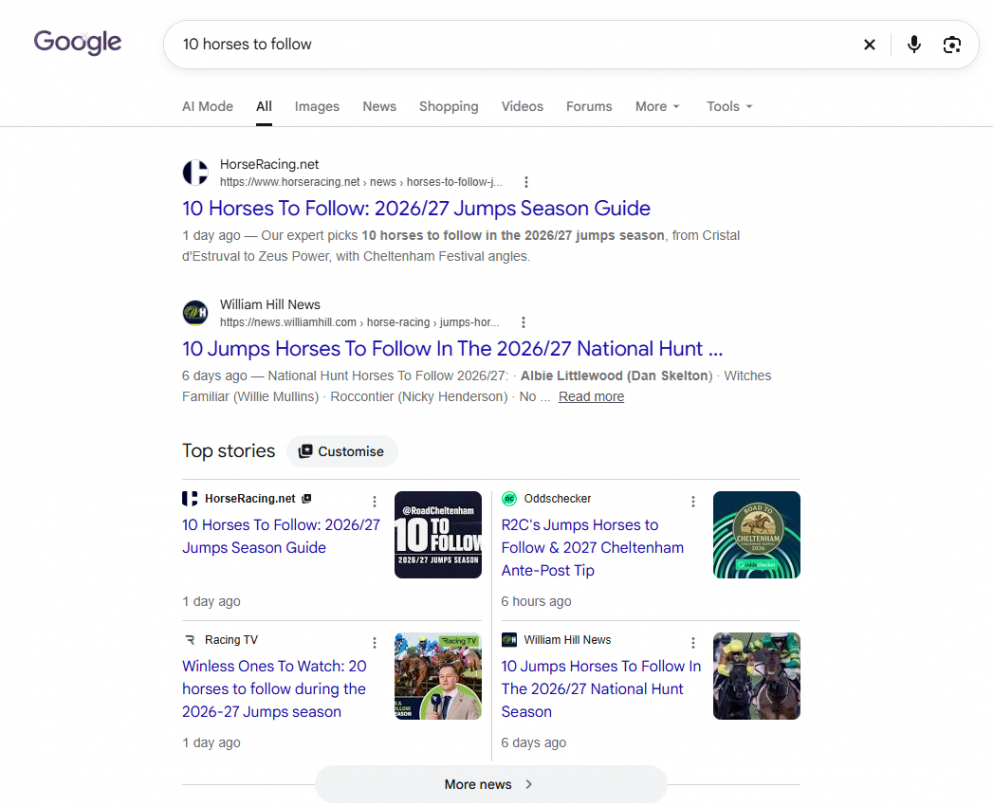
Horseracing.net On Google News Answers
Do I need to be signed in to Google?
Yes. Google saves your preferred sources to your account, so sign in first or your choice will not stick between searches and devices.
Will I only see HorseRacing.net in Top Stories?
No. Google still mixes in other publishers. Preferred sources tilt the carousel towards the sites you have picked when they have something relevant to your search.
How do I remove HorseRacing.net later?
Click Customise next to any Top stories heading and untick HorseRacing.net, or use the button link above and do it from there.
Why might HorseRacing.net not show up in the list?
Google says sources that are not updated regularly can drop out of the tool. That should not affect us, as we publish every day, but if the search box comes back empty, try typing horseracing.net in full.